
Introducing SmartTown Wi-Fi

SmartTown Wi-Fi
Wi-Fi That Goes Beyond Your Home
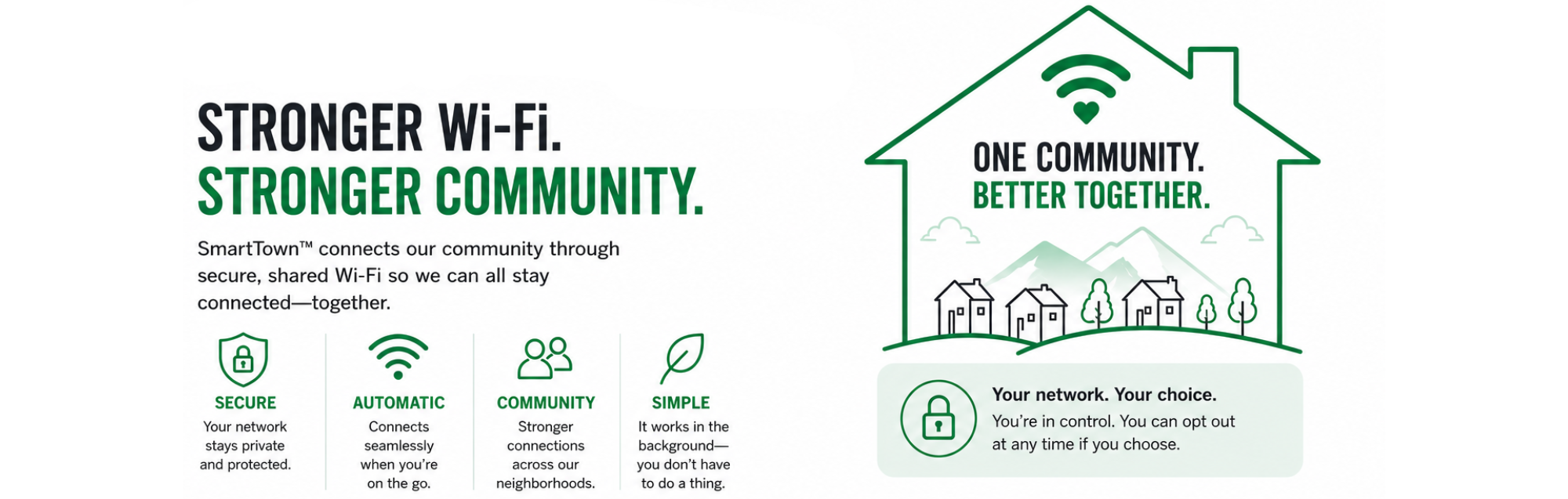
When you’re an MTC customer and participate in SmartTown, your router helps create a separate, secure SmartTown connection.
As more customers participate, those connections work together to create more places for SmartTown users to get connected around the community.
When you’re out and about, your device can automatically connect to available SmartTown Wi-Fi, without asking someone for their Wi-Fi password or using up your mobile data.
How It Works
- Accept Your Invitation
Eligible customers receive an email invitation to join SmartTown Wi-Fi and create an account and password. - Welcome Email
A second Welcome email will follow with information on downloading Passport on your mobile device (required). - Join the Community
Once enrolled, your router automatically creates a secure SmartTown Wi-Fi connection separate from your private home network. - Stay Connected
As a SmartTown member, your devices can automatically connect to participating SmartTown Wi-Fi networks throughout the community.
Your Privacy Comes First
Your personal home Wi-Fi remains completely private. The SmartTown network operates separately from your home network, keeping your passwords, devices, and personal information secure.
Why Join SmartTown Wi-Fi?
✓ Stay connected in more places
✓ Access secure SmartTown Wi-Fi hotspots throughout the community
✓ Reduce reliance on cellular data
✓ Enjoy seamless connectivity while you're on the go
✓ Help build a stronger community network for everyone
The more members who join, the more connected our community becomes.
Opt-Out
If you wish to opt-out of SmartTown, simply call our office at (845) 586-3311. Your router will no longer participate in the SmartTown network, and you will not have access to SmartTown services.
Not an MTC customer?
Switch today and get FREE Access to SmartTown!
Check out our internet plans and become a customer today. Stay Connected at Home and around the Community.
SmartTown Comes FREE with MTC Internet.
